Real-time Co-editing
Explains the real-time collaboration features activated in Live Mode. Multiple users can simultaneously edit the same diagram and work without conflicts.
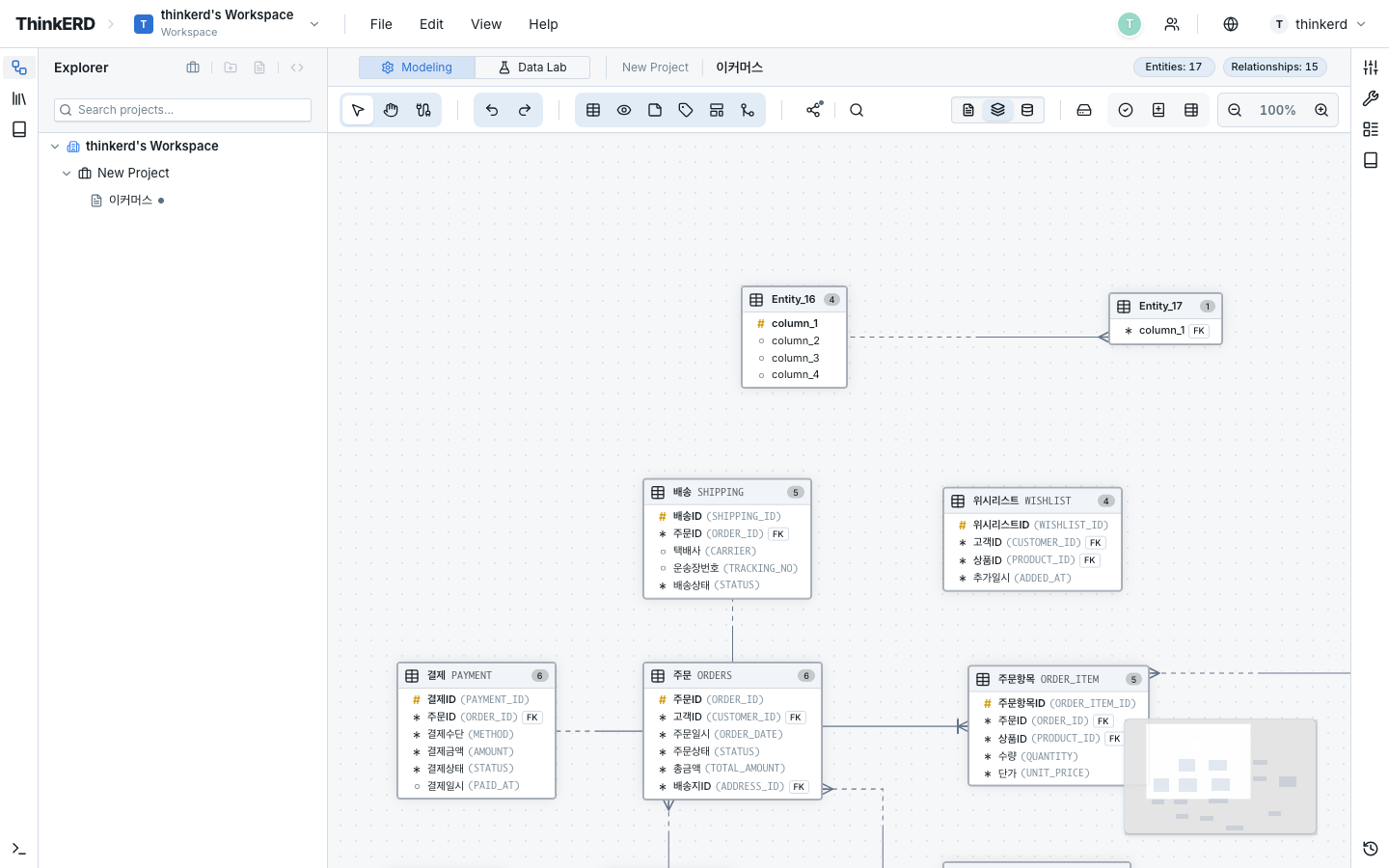
Starting Your First Collaboration Session
A guide to your first collaborative editing session with teammates:
- Invite team members to workspace: Workspace Settings → Member Management → invite by email
- Open the same diagram: When a teammate opens the same diagram, Live Mode activates automatically
- Check cursors: Teammate avatars appear in the top bar, and their cursors are shown in real time on the canvas
- Start editing: Each person selects and edits their desired entity — changes are reflected instantly
Efficient task division
Rather than editing the same entity simultaneously, dividing work across different entities is more efficient. Using Zones to delineate areas makes responsibilities clear.
Awareness (Presence)
In Live Mode, all users editing the same diagram share Awareness information.
Shared Information
| Information | Description | Use |
|---|---|---|
| User name | Name registered in the profile | Identify who is working |
| Avatar color | Unique color per user (auto-assigned) | Distinguish cursors/selections |
| Cursor position | Mouse position on the canvas | See others' areas of focus |
| Selection area | Currently selected entity list | Identify elements being edited |
| Moving nodes | Real-time position of entities being dragged | See layout changes in real time |
User List (Facepile)
The current online users are displayed as avatars in the top bar. Each avatar has a unique color matching its cursor color on the canvas.
Conflict Resolution
ThinkERD automatically resolves conflicts during concurrent editing. Even when multiple users modify the same element simultaneously, data is merged without loss.
Behavior By Scenario
Situation: A edits Customer, B edits Order
Result: Applied independently (no conflict)
Situation: A edits Customer's logical name, B edits Customer's description
Result: Each attribute change is reflected separately
Situation: A and B both modify Customer's logical name simultaneously
Result: The last change is applied (last-writer-wins)
Even in this case, no data is lost. Both changes are transmitted, and the last edit in chronological order is the final result.
Situation: A and B drag Customer at the same time
Result: Each user's final position is merged
Network Resilience
Live Mode operates robustly even with network instability:
| Situation | Behavior |
|---|---|
| Temporary network disconnection | Edits during offline are saved locally, then auto-synced on reconnection |
| Extended offline | Auto-switches to Solo Mode, merges changes on reconnection |
| Concurrent offline editing | Both sides' offline edits are merged to prevent data loss |
Session Management
Presence Monitor
Tracks the current active user count via a real-time stream from the server.
| Status | Meaning | Mode |
|---|---|---|
sessionCount = 1 | Editing alone | Solo Mode maintained |
sessionCount ≥ 2 | Other users present | Switch to Live Mode |
Multi-Session for Same User
Multiple browser/device connections from the same user work correctly. Each browser session is managed independently, and all sessions see the same up-to-date data.