Sharing & Embed
How to share ThinkERD diagrams with external users.
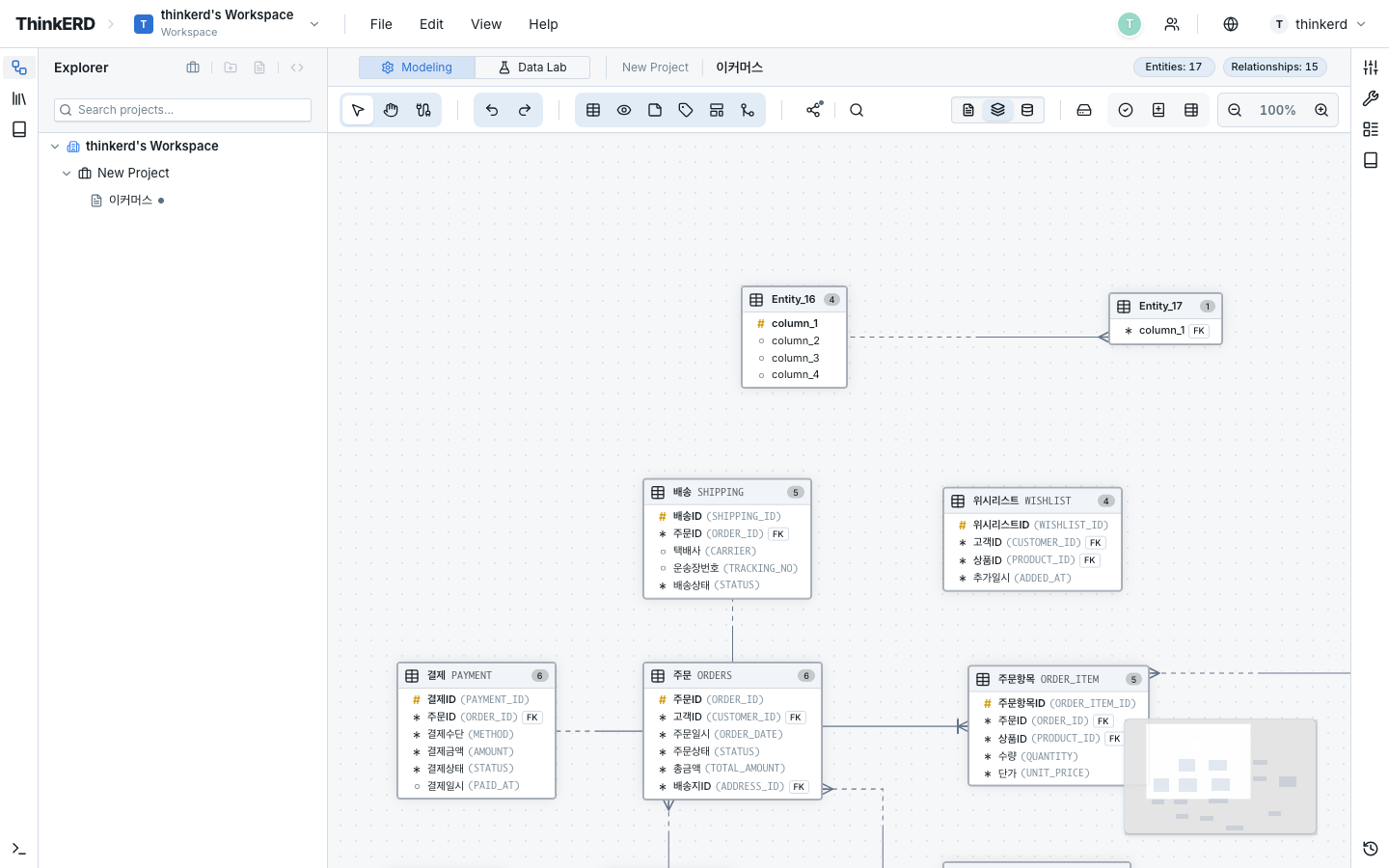
Share Link
Share a diagram as a read-only link. Recipients can view the diagram without logging in.
Share Settings
Configure sharing via Menu > Share:
| Option | Description | Use Case |
|---|---|---|
| Enable sharing | Create/disable share link | Start/stop external sharing |
| Password | (Optional) Set link password | Enhanced security for partner sharing |
| Expiration | (Optional) Auto-expire share link | Auto-disable after project completion |
Security Best Practices
Share Link Management
- Always disable sharing after project completion
- When sharing with external partners, set password + expiration
- For internal team members, workspace invitation is more secure
Embed Viewer
Insert diagrams into external web pages as an iframe.
Embed URL Format
Parameters
| Parameter | Values | Default | Description |
|---|---|---|---|
theme | light, dark, tokyo-night, dracula, nord, solarized-light | light | Viewer theme |
zoom | fit or number | fit | Initial zoom level |
header | true, false | true | Show top header |
Embed Code Example
<iframe
  src="https://thinkerd.io/embed/d/abc123?theme=dark&zoom=fit&header=false"
  width="100%"
  height="600"
  style="border: 1px solid #e5e7eb; border-radius: 8px;"
  loading="lazy"
></iframe>
Responsive
Setting width="100%" auto-resizes to fit the parent container. Pinch zoom is supported on mobile.
Theme Usage Guide
| Theme | Best For |
|---|---|
| Light | Light-background documents, wikis, Confluence |
| Dark | Dark mode sites, developer blogs |
| Tokyo Night | VS Code-style developer blogs |
| Dracula | Dark dashboards, technical docs |
| Nord | Calm-toned design system pages |
| Solarized Light | Readability-focused technical docs |
Embed Scenarios
Insert ERDs into team wikis so the latest data model is always accessible.
- Add an HTML macro in Confluence
- Paste the iframe code above
- Set theme to
lightto match Confluence's style - When the diagram changes, the latest version is automatically reflected
Insert ERDs into Notion pages.
- Add an
/embedblock in Notion - Paste the embed URL
- Set height to 600px or more
Insert ERDs into tech blog posts to visually explain data structures.
- Choose
theme=darkortheme=tokyo-night - Set
header=falsefor a clean view - Blog readers can zoom/pan to explore the ERD interactively
Image Export
You can also export diagrams as static images:
| Format | Features | Best For |
|---|---|---|
| PNG | Raster image | Presentations, email attachments |
| SVG | Vector image (no quality loss on zoom) | Print, high-res documents, wikis |
SVG vs PNG
- For presentations, PNG has better compatibility
- For technical docs, SVG keeps lines crisp even when zoomed
- For email sharing, PNG is more universally supported